




























































The digital world is swamped with data, which is of little use unless it’s analysed. Here’s a quick look at how DuckDB, a powerful and high-performance in-process database, can enable fast data analytics.
Database applications are integrated in almost every software project, be it a desktop application or cloud-based deployment. Database servers help the frontend graphical user interface (GUI) interact with the data for multiple operations like inserting, deleting, and updating records on-demand for effectively deploying software applications.
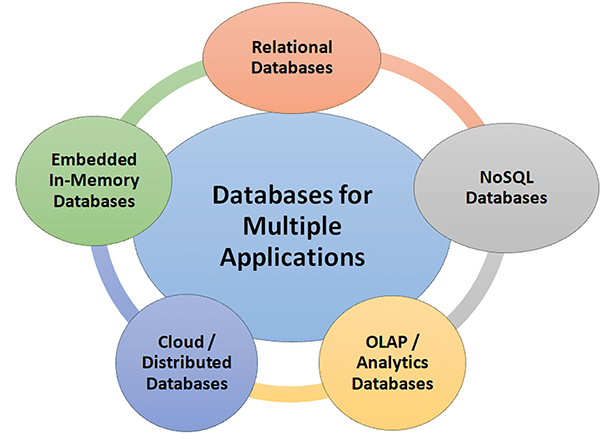
High performance and fast-track data analytics is required in e-governance, social and corporate applications. Different categories of databases are used for this. These include relational databases, object-oriented databases, time series databases, etc (Table 1).
Table 1: The different types of databases
|
Database type |
Application and product name |
|
Relational databases (RDBMS) |
Storage of data in tables and execution using SQL queries Databases: Oracle, MySQL, SQL Server, PostgreSQL, SQLite |
|
Multi-model databases |
Support for assorted models (graph + document) Databases: OrientDB, ArangoDB |
|
Object-oriented databases |
Storage of objects with object-oriented programming (OOP) Databases: ObjectDB, db4o |
|
Time-series databases |
Optimisation and timestamped data Databases: TimescaleDB, InfluxDB |
NoSQL databases (Table 2) are generally used for unstructured data including social media platforms on which different formats of data are streamed at huge speeds. Data on social media includes images, videos, multimedia applications, and games, which must be integrated with a suitable database application for effective results and decision making.
Table 2: NoSQL databases
|
Document stores |
JSON format documents Databases: CouchDB, MongoDB |
|
Key-value stores |
Key-value based Databases: DynamoDB, Redis |
|
Wide-column stores |
Column format and for large-scale storage Databases: HBase, Cassandra |
|
Graph databases |
Connected datasets with nodes and relations Databases: ArangoDB, Neo4j |
Table 3: Deployment-based databases
|
Type |
Application and product name |
|
Cloud databases |
Cloud deployments and hosted Databases: Amazon RDS, Firebase, Google BigQuery |
|
Embedded databases |
Execution with application without dedicated server Databases: SQLite, H2, DuckDB |
|
In-memory databases |
RAM based databases Databases: Redis, SAP HANA, Memcached |
|
Distributed databases |
Distributed and deployed in assorted servers, nodes and data centers Databases: Google Bigtable, Cassandra |
|
Client-server databases |
Dedicated databases for client-server applications Databases: PostgreSQL, MySQL |
Table 4: Purpose-oriented databases
|
Type |
Application and product name |
|
Mobile databases |
For smartphone and lightweight devices Databases: SQLite, Realm |
|
Analytical databases (OLAP) |
For data aggregations and queries Databases: Redshift, Snowflake, DuckDB |
|
Data warehouses |
Centralised and high-performance data for real-time analytics Databases: BigQuery, Snowflake, Amazon Redshift |
|
Search databases |
Developed and deployed for search queries and full-text analytics Databases: Solr, Elasticsearch |
|
Data lakes |
Storage of raw, structured, unstructured data Databases: Apache Iceberg, Delta Lake |
|
Transactional databases (OLTP) |
Execution of high-speed rapid transactions Databases: SQL Server, MySQL |
DuckDB: The open source high-performance database
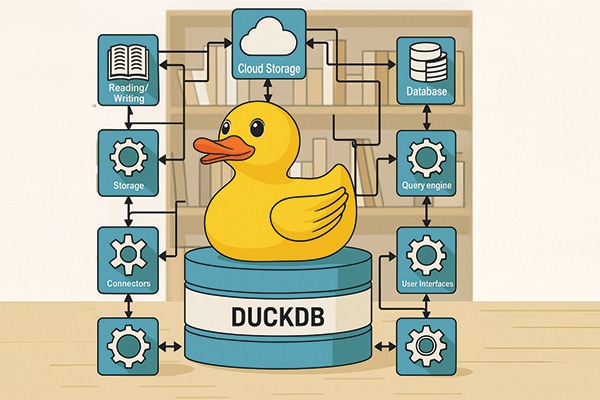
DuckDB is a powerful and high-performance in-process database for fast analytical processing. It is useful for data science and engineering-based applications and provides a full-featured database without the deployment of a separate dedicated database server.
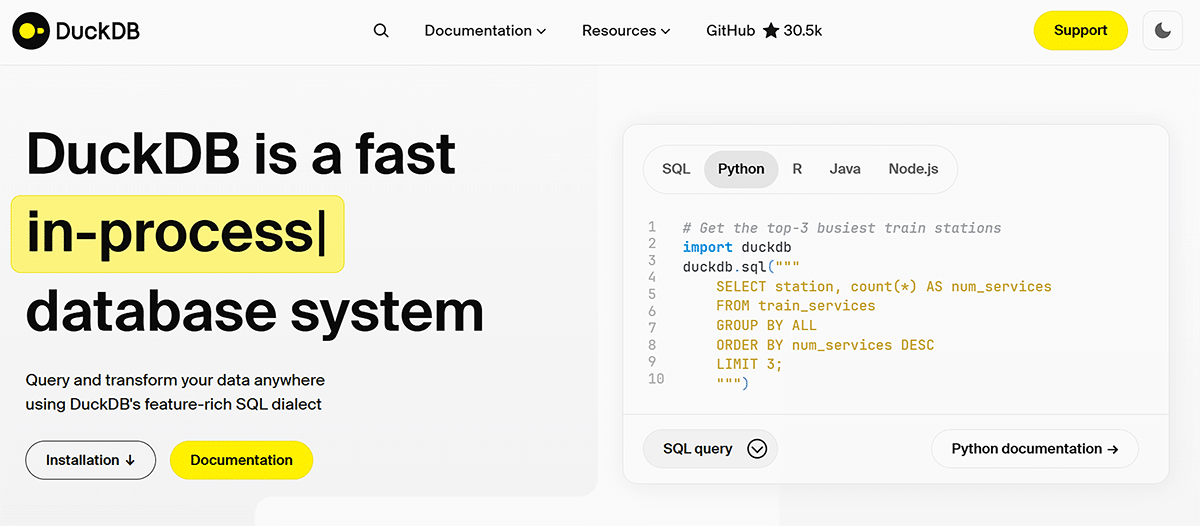
It can interface with multiple programming languages and scripts including SQL, Python, R, Java, and Node.js. Key features of DuckDB are:
- Cross-platform and lightweight
- Columnar storage and execution
- Native Python and R integration
- Built-in analytical functions
- Direct file access
- Vectorized execution engine
- ACID compliance
- Zero configuration
- Full ANSI SQL support
- Extensible and embeddable
- Export to different formats including Parquet/comma separated value (CSV)
- Works with large data
- Time travel queries
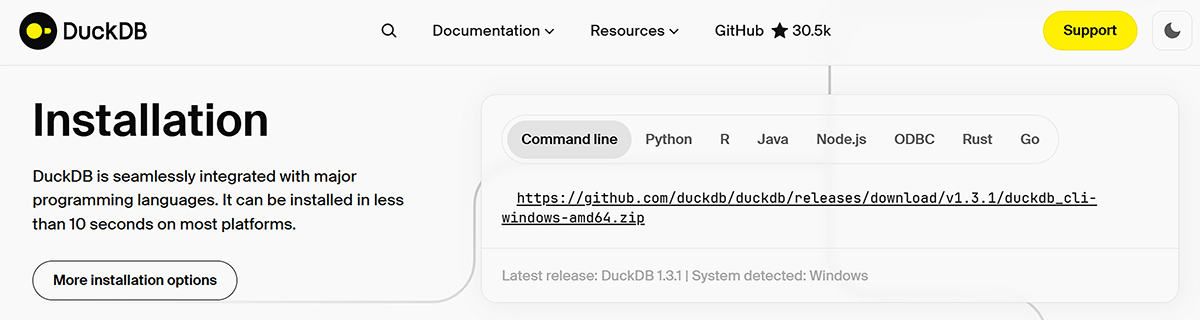
Installing DuckDB and working with Python
DuckDB can be installed with existing Python using the pip installer:
$ pip install duckdb
The software library is installed automatically and can be called in Python code.
The quick install instructions are given at https://duckdb.org/#quickinstall.
Table 5: Comparing DuckDB with Pandas and SQLite
|
Feature |
DuckDB |
Pandas |
SQLite |
|
SQL support |
Full ANSI |
None |
Limited |
|
File access |
Parquet, CSV |
CSV, JSON |
Only CSV |
|
OLAP focus |
Yes |
No |
No (Row-based) |
|
In-memory query |
Yes |
Yes |
Yes |
|
Speed (OLAP) |
Very fast |
Medium |
Slow |
|
Server needed |
No |
No |
No |
As can be seen in Table 5, DuckDB scores over Pandas and SQLite on all accounts. This database can be used in real-time projects associated with data science, analytics and live visualisations.
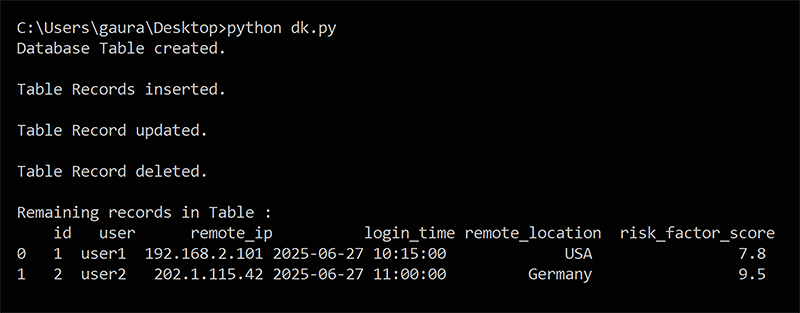
Here’s an example of database operations (insert, delete, update) on sample cybersecurity data in DuckDB:
import duckdb

# Connect to DuckDB in memory (or use a file: duckdb.connect(“cybersecurity.db”))

duckdbconnection = duckdb.connect()

# Phase 1: Create table for suspected login attempts

duckdbconnection.execute(“””

CREATE TABLE suspected_logins (

id INTEGER PRIMARY KEY,

user TEXT,

remote_ip TEXT,

login_time TIMESTAMP,

remote_location TEXT,

risk_factor_score FLOAT

);

“””)

print(“Database Table created.\n”)

# Phase 2: Insertion of records and data

duckdbconnection.execute(“””

INSERT INTO suspected_logins VALUES

(1, ‘user1’, ‘192.168.2.101’, ‘2025-06-27 10:15:00’, ‘USA’, 7.8),

(2, ‘user2’, ‘202.1.115.42’, ‘2025-06-27 11:00:00’, ‘Germany’, 8.9),

(3, ‘user3’, ‘197.52.101.23’, ‘2025-06-27 11:30:00’, ‘India’, 6.5);

“””)

print(“Table Records inserted.\n”)

# Phase 3: Update values in risk factor score for user2

duckdbconnection.execute(“””

UPDATE suspected_logins

SET risk_factor_score = 9.5

WHERE user = ‘user2’;

“””)

print(“Table Record updated.\n”)

# Phase 4: Delete values in record for user3

duckdbconnection.execute(“””

DELETE FROM suspected_logins

WHERE user = ‘user3’;

“””)

print(“Table Record deleted.\n”)

# Phase 5: Fetch and display remaining records

result = duckdbconnection.execute(“SELECT * FROM suspected_logins”).fetchdf()

print(“Remaining records in Table :\n”, result)
With this code, the insert, delete and update operations are implemented in the DuckDB database (Figure 4). High-end applications related to data analytics and data engineering can be executed in a similar format.
Heterogeneous and free-flowing data needs to be controlled and visualised in an effective way with the help of charts, graphs and many other GUI modules. Data scientists need high performance and lightweight database applications to handle such data. DuckDB can work with real-time streaming data, enabling dynamic plotting with multiple programming languages.