




















































FreeCAD and Python work in partnership to deliver perfect product designs. Here’s how…
Computer aided design (CAD) has been around for a while to help design, develop, prototype and simulate 3D objects before they are manufactured. 3D modelling and CAD provide engineers with the look-and-feel of the product so that the required changes can be done before it’s sent for production.
| Why industries need 3D CAD and 3D modelling |
|
Common use cases of 3D CAD and 3D modelling in industry include reverse engineering, tool and mould design, stress and load analysis, CNC and CAM integration, and rapid prototyping (3D printing). Industries that use this technology include electronics and PCB design, aerospace, automotive, architecture and construction, medical devices, AR/VR development, and animation and gaming.

According to Grand View Research, the global market size for 3D modelling and 3D mapping was around 7 billion dollars in 2024 and is predicted to be more than 16 billion dollars by 2030.
A number of tools and software products are available for 3D CAD and 3D modelling (Table 1).
| Tool | URL | Features | Applications |
| FreeCAD | freecad.org | Parametric open | Engineering CAD |
| SketchUp | sketchup.com | Easy modelling | Architecture design |
| Blender | blender.org | Sculpt rendering | Animation modelling |
| Onshape | onshape.com | Multiple devices | CAD on assorted devices |
| Rhino | rhinoceros3d.com | NURBS modelling | Industrial design |
| ZBrush | maxon.net | Digital sculpt | Character sculpting |
| Tinkercad | tinkercad.com | Simple CAD | Beginner design |
| OpenSCAD | openscad.org | Script modelling | Programmatic CAD |
| AutoCAD | autodesk.com | 2D 3D | Drafting design |
| Fusion 360 | autodesk.com | CAD CAM | Product design |
| SolidWorks | solidworks.com | Parametric modelling | Mechanical design |
| CATIA | 3ds.com | Surface solid | Aerospace automotive |
| Siemens NX | plm.sw.siemens.com/en-US/nx/ | Integrated CAD | Manufacturing design |
| Creo | ptc.com/en/products/creo | Parametric features | Mechanical CAD |
| Inventor | autodesk.com | Assembly modelling | Mechanical design |
| Solid Edge | siemens.com | Synchronous tech | Mechanical CAD |
| BricsCAD | bricsys.com | DWG based | CAD drafting |
| Alibre | alibre.com | Parametric tools | Mechanical CAD |
Using FreeCAD for 3D modelling and floorplans
URL: https://www.freecad.org/
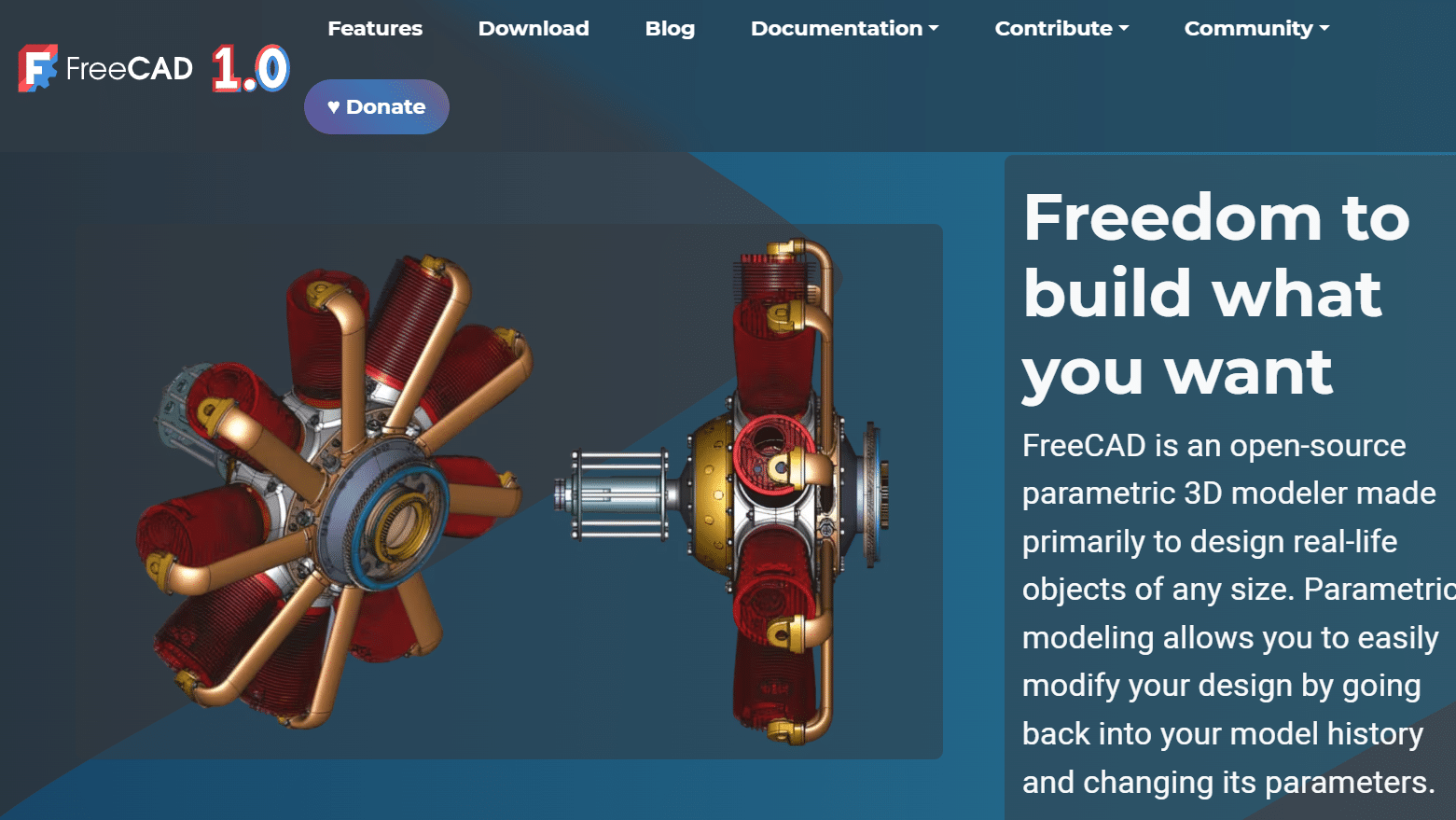
FreeCAD is popular free and open software with 3D parametric modelling features for designing real world objects of any dimension and size.
Its key components are:
- Geometry engine
- Solid modelling tools
- Parametric modelling tools
- Surface modelling tools
- Rendering and visualisation
- Constraints and relations
- Assembly modelling
- Simulation modules
- Version control and collaboration
- Drafting and annotation
- File interoperability (STEP, STL, IGES, and many others)
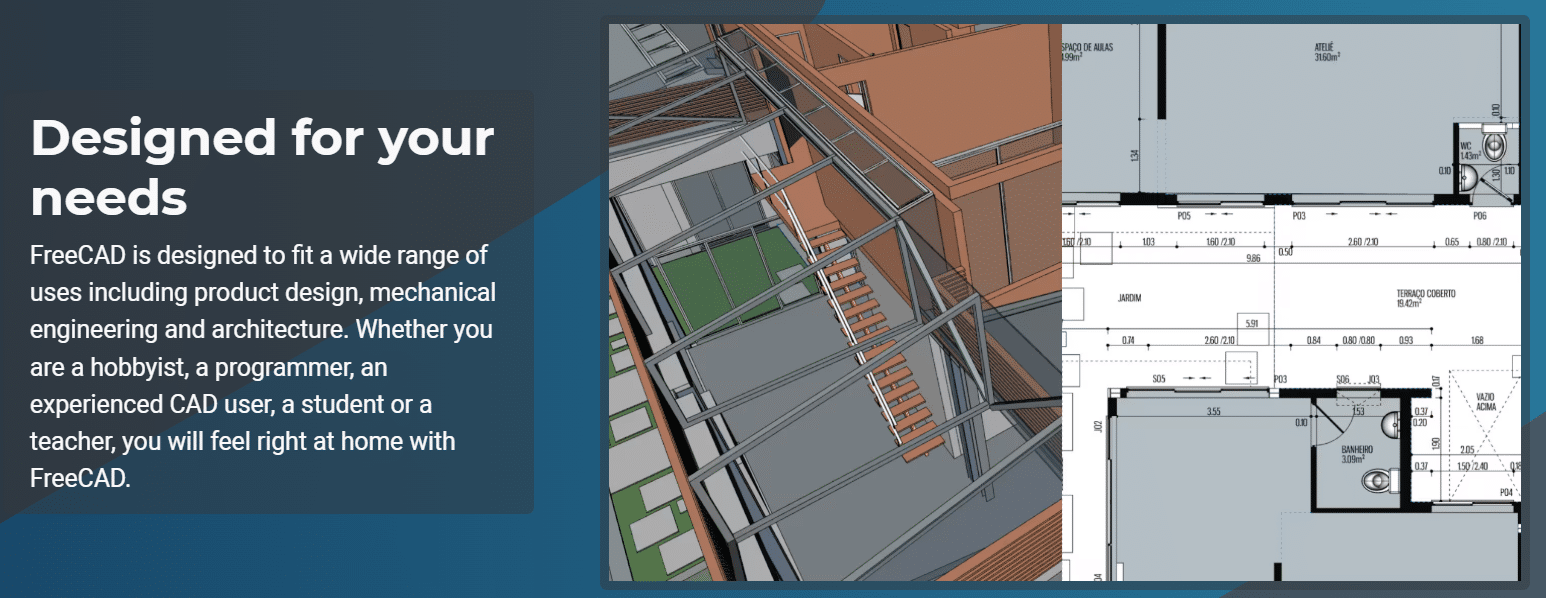
FreeCAD can be used to develop professional and high-end structural designs and architectures. 2D and 3D geometries can be created, and details of the designs can be extracted.
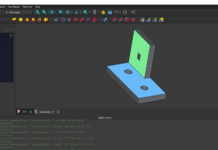
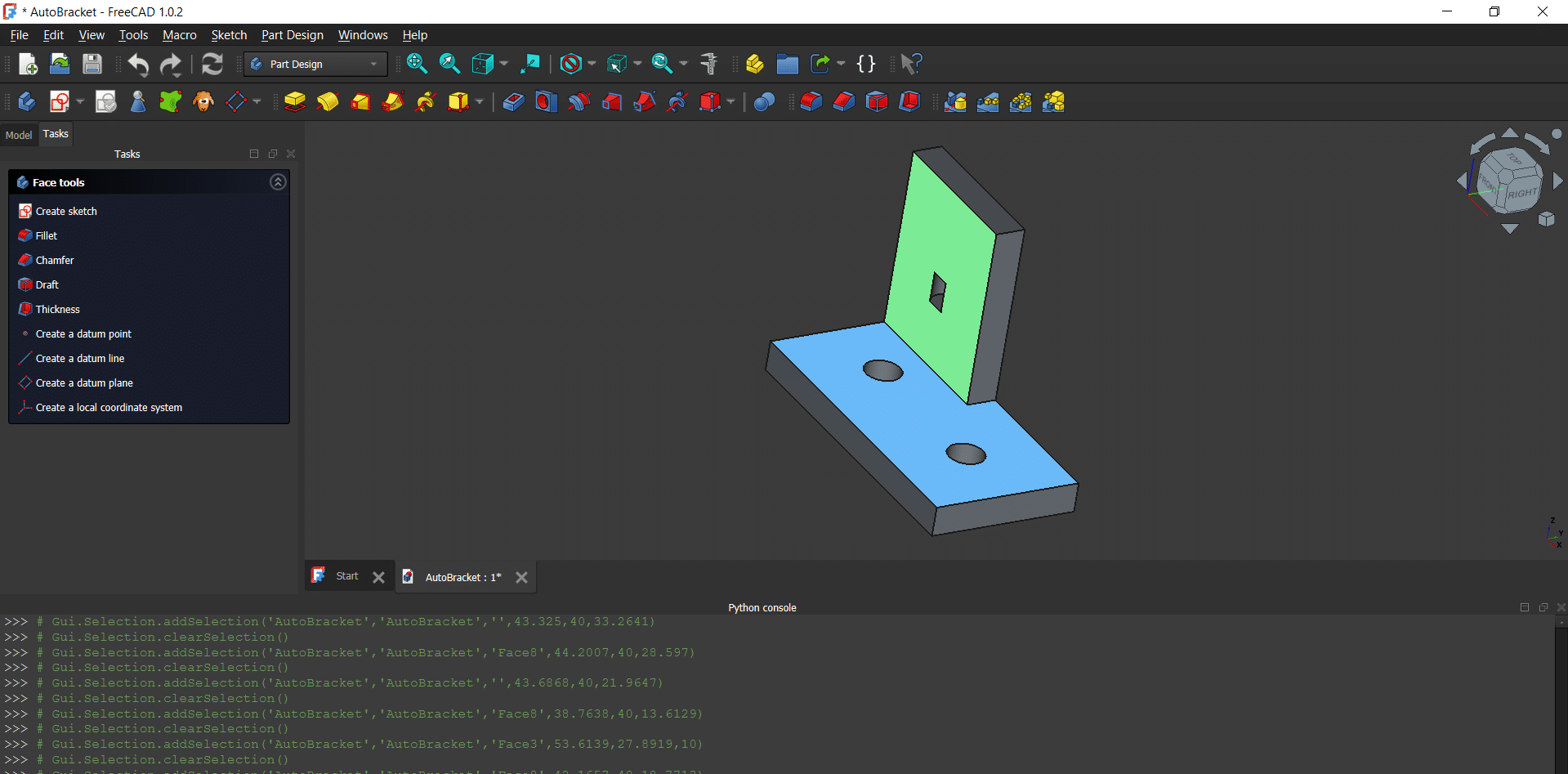
FreeCAD integrates Python programming for designing and viewing 3D objects. Here’s sample code of how Python and FreeCAD can be used for designing an automobile mounting bracket.
import FreeCAD

import Part

# Create document

mydoc = FreeCAD.newDocument(“AutoBracket”)

# Base plate

mybase = Part.makeBox(100, 50, 10)


# Vertical plate

myvertical = Part.makeBox(50, 10, 60)

myvertical.translate(FreeCAD.Vector(0, 40, 10))

# Fuse plates

mybracket = mybase.fuse(vertical)

# Bolt holes

myhole1 = Part.makeCylinder(6, 10)

myhole1.translate(FreeCAD.Vector(25, 25, 0))

myhole2 = Part.makeCylinder(6, 10)

myhole2.translate(FreeCAD.Vector(75, 25, 0))

myhole3 = Part.makeCylinder(6, 10)

myhole3.translate(FreeCAD.Vector(25, 45, 30))

# Cut holes

mybracket = mybracket.cut(hole1)

mybracket = mybracket.cut(hole2)

mybracket = mybracket.cut(hole3)

# Add to document

myobj = mydoc.addObject(“Part::Feature”, “AutoBracket”)

myobj.Shape = mybracket

# Update

mydoc.recompute()
The Python code can be directly executed in the console or with the macro in FreeCAD.
FreeCAD can be used for the design, viewing and simulation of 3D modelling in research and development activities. It offers all the features engineers and structure experts need, and no proprietary software is required for the job.