

























































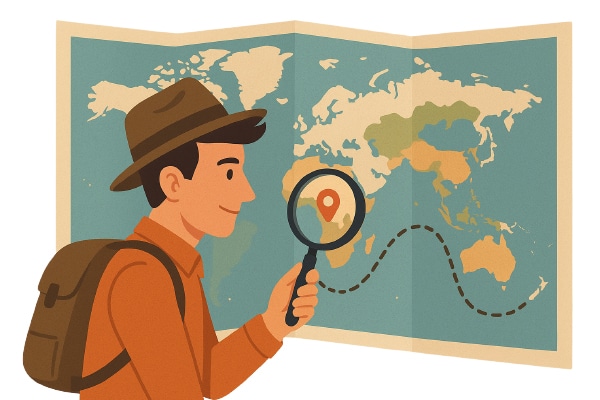

World-Map-Explorer is an open source, screen reader-enabled map built to help the visually impaired and keyboard-first users explore the world.
Picture this: You’re planning a trip to Goa, and like millions of others, you pull up a digital map on your phone. You pinch, swipe, scroll, zoom and tap on the online map to explore. In a matter of a few minutes, you’ve traced the beaches, markets, restaurants, and mentally bookmarked your evening plans.
Now imagine the same scenario, but you can’t see the screen.
Traditional maps are visual by design, leaving 285 million people worldwide living with visual impairments locked out of one of our most fundamental tools for understanding place and space. This is what the World-Map-Explorer is solving for — an open source product that reimagines digital maps through an inclusive design that uses sound and keyboard navigation for user interaction.
The architecture of inclusion
Behind the product’s deceptively simple interface lies sophisticated technology. The platform leverages Leaflet, Wikidata, Nominatim, Valhalla routing API, Turf.js, Overpass API, etc, drawing from the vast OpenStreetMap database to create something unprecedented: a fully keyboard-navigable map that speaks.
Users navigate with arrow keys, gliding across continents while receiving real-time audio feedback about their location. Press the right arrow to head east from Berlin, and the system announces your new coordinates, elevation changes, and proximity to national borders. Search for the Amazon River, and the platform guides you along its path using nothing but sound and keyboard commands.
Simply by setting a direction and distance, you can simulate movement across a terrain—like pointing a compass and walking, but through pure audio feedback. Behind the scenes, the system uses mathematical formulas like the Haversine calculation to determine precise geographic positions. To users, it simply feels like exploration.
Now, the community behind World-Map-Explorer is exploring new features such as multilingual voice support, offline access, and compatibility with tactile devices for hands-on exploration. The goal is simple: make geography and the tools to explore it available to everyone.
Open source with a purpose
Unlike most tech products that sit behind paywalls or proprietary walls, World-Map-Explorer is fully open source. That means anyone can view, use, adapt, or contribute to its code. It’s a community effort—built not only to solve a technical challenge, but also to make geography accessible to more people.
What adds more meaning to this initiative is that it is inclusively designed —it looks like a regular OpenStreetMap interface, but when accessed with a screen reader, it provides feedback through a screen reader. It is compatible with all popular screen readers like NVDA, JAWS, Orca, etc.
Search and discover: No screen required
The platform includes a robust search feature where users can type in the name of a country, city, river, or landmark, and the map finds it. It then guides the user around it using voice feedback. When you ‘enter’ a location, the navigation is focused within its borders. It’s a bit like stepping into a room and feeling around to learn its shape, except you’re listening, not touching.
This approach turns abstract concepts like where borders lie or how a mountain range stretches into something tangible.
Why this matters
Inaccessible design often happens by default. But accessible design only happens on purpose. World-Map-Explorer shows what’s possible when we lead with inclusion not as a checklist but as a philosophy.
It’s not just a map; it’s an invitation to look at the world differently, to build for people who’ve been left out, and to realise that the best innovations aren’t always the flashiest. They’re the ones that open doors.
Whether you’re a teacher, a developer, a student, or just someone who’s curious about the world, World-Map-Explorer offers a powerful reminder that technology can be for everyone, when we choose to make it that way.
For the sighted, the easiest way to experience World-Map-Explorer to its fullest potential is to blindfold oneself and navigate the tool through your keyboard. While it may be challenging at first, it will surely provide a brief ‘view’ into what the visually challenged are missing and how this tool is providing solutions, one destination at a time. Additionally, this acts as a great tool for the visually impaired teachers taking classes for sighted students.
Curious? Use it to experience it!
Visit map.zendalona.com.