






















































Developers now have a central hub to find and integrate Model Context Protocol (MCP) servers, cutting through scattered repos and security risks.
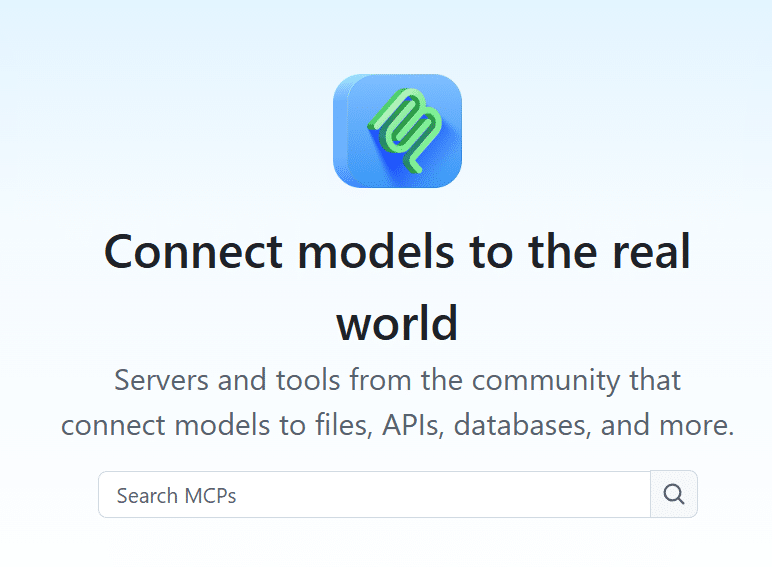
GitHub has unveiled the MCP Registry, a new directory designed to help developers quickly discover, explore, and install MCP servers. The launch brings together curated partners including Figma, Postman, HashiCorp, and Dynatrace, while also opening the door for community-driven contributions.
The move addresses a growing frustration among developers: MCP servers have long been spread across random repositories, unofficial registries, and community threads, making them difficult to find and integrate. By centralizing this ecosystem, the company aims to simplify discovery and reduce friction for both tool builders and end users.
What’s inside the MCP Registry
The Registry launches with a curated set of servers, each tied to its repository for full transparency. It enables one-click installation in VS Code, filters noise by letting users sort via stars and activity, and is compatible with both AI coding assistants and any MCP host.
Early partners are already demonstrating its value: Figma brings design context into coding workflows, Postman connects APIs to development assistants, HashiCorp streamlines Terraform tasks with a single click, and Dynatrace delivers AI-powered observability directly inside the IDE. A Remote MCP Server has also been added, giving agents access to repositories, issues, and pull requests for multi-step workflows.
Looking ahead, work is underway with Anthropic and the MCP Steering Committee on an open-source MCP registry. Once live, servers published there will automatically sync with the existing Registry, ensuring unified discovery, verified metadata, and fewer duplicates.
The vision is clear: to build a healthier, interoperable AI ecosystem where discovering the right tool feels as seamless as searching code online. As one product leader noted, the Registry is designed to be the new home base for MCP servers—whether for AI agents, coding assistants, or any MCP-compatible environment.