






















































Hugging Face Spaces and Render are two key cloud platforms that support the development and deployment of AI-based models. Find out how…
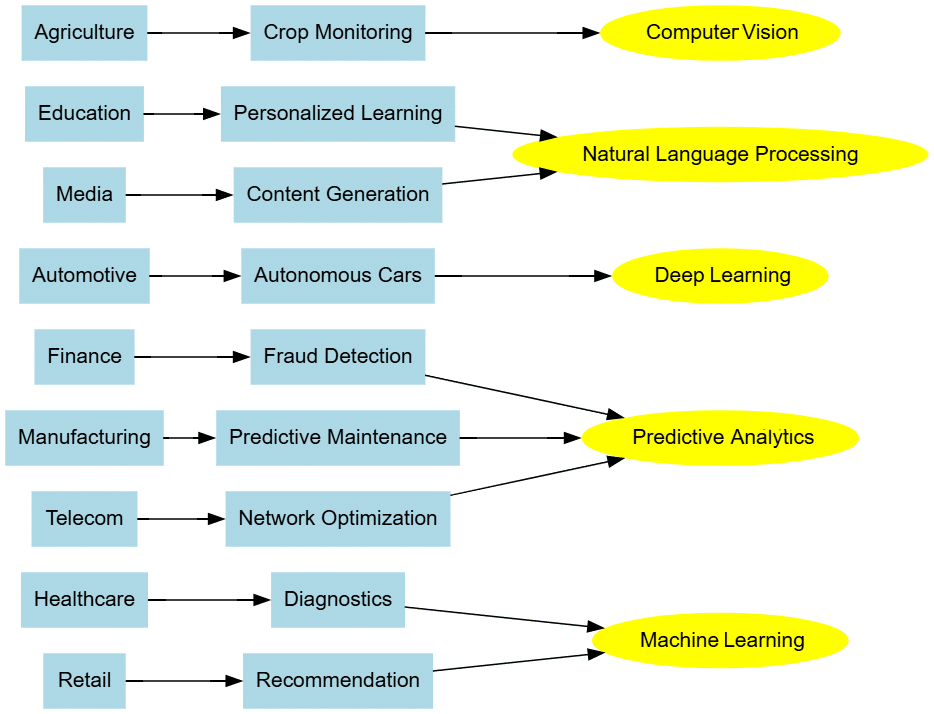
Artificial intelligence (AI) is the buzzword today with AI-based applications demonstrating great performance, speed, and accuracy. Their deployment is widespread in domains like healthcare, finance, retail, automotive, manufacturing, logistics, education, agriculture, telecom, travel, insurance, etc (the list includes almost every major field of work).
AI-based models are being trained with datasets and used for predictive analytics, data engineering and many high-performance applications. These include health diagnostics, finance fraud detection, recommendation systems, autonomous cars, smart grids, route optimisation, crop monitoring, network optimisation, customer segmentation, price prediction, threat detection, chatbots, risk assessment, gaming, data analysis, and many other real world applications.

There are several libraries associated with Python for developing and deploying AI models. Table 1 lists the key libraries and packages required for programming AI based applications.
Table 1: Important libraries for AI applications development
| TensorFlow | Keras | PyTorch | Scikit-Learn |
| NumPy | Matplotlib | Pandas | Seaborn |
| OpenCV | NLTK | Pillow | SpaCy |
| Gensim | Transformers | HuggingFace | FastAI |
| XGBoost | CatBoost | LightGBM | Optuna |
| PyCaret | ONNX | MLflow | TFLite |
| OpenAI Gym | Stable Baselines | Ray RLlib | PettingZoo |
| Dask | RAPIDS | CuPy | PyTorch Geometric |
| Plotly | Dash | Bokeh | Holoviews |
| AllenNLP | YOLO | Detectron2 | DeepFace |
| Chainer | Horovod | Gluon | Ludwig |
| Eli5 | LIME | SHAP | Yellowbrick |
| CatBoost | XGBoost | LightGBM | H2O.ai |
| PyTorch Ignite | SentencePiece | FastText | Flair |
| AutoKeras | KNN | TFX | SVM |
| Prophet | ARIMA | StatsModels | Facebook Kats |
| OpenMMLab | MMSegmentation | MMDetection | MMPose |
| DeepChem | PyTorch Geometric | RDKit | DGL |
| Detecto | imgaug | Albumentations | Kornia |
| TorchAudio | Librosa | torchaudio | SoundFile |
| Turi Create | ONNX Runtime | CoreML | TensorRT |
A number of cloud platforms are also available for the development and deployment of AI models and large language models (LLMs) so that these can be accessed on multiple interfaces, including web-based and smartphone applications. Two key platforms are discussed here.
Hugging Face Spaces with Gradio
URL: https://huggingface.co/ and https://www.gradio.app/
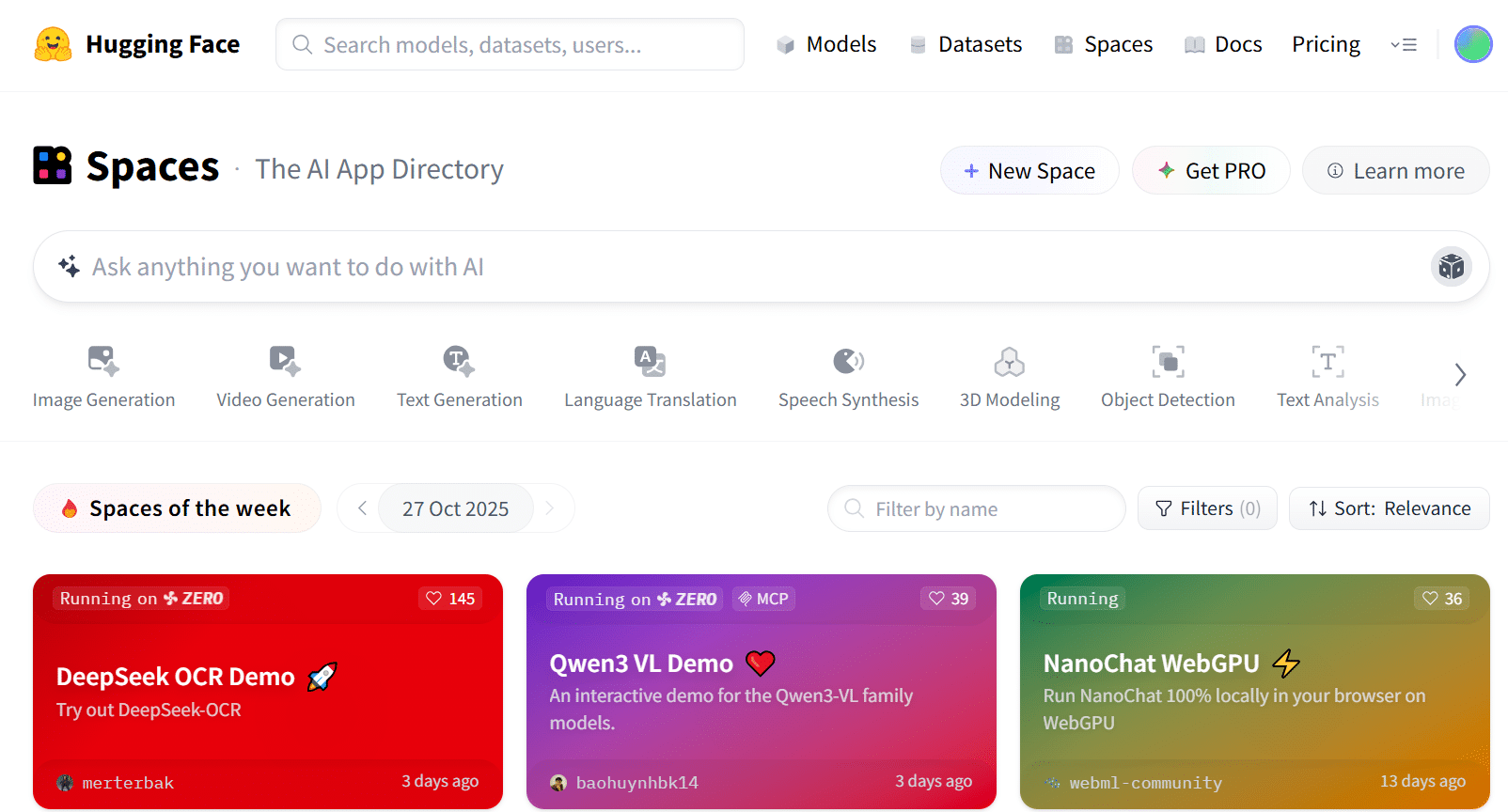
Machine learning or deep learning models can be deployed on Hugging Face Spaces with the integration of Gradio. The latter integrates the graphical user interface (GUI) to present the model as a web application.
A specific directory structure is followed to deploy a model on Hugging Face Spaces. Here is an example.
To deploy a classical retrieval augmented generation (RAG) application of AI, the following files are required:
- requirements.txt
- app.py
These files should be in the same folder in Hugging Face.
requirements.txt
transformers
gradio
faiss-cpu
sentence-transformers
torch
The file requirements.txt includes the packages that are required and used in the main app.py file. The Hugging Face platform installs these packages on loading and then provides the interface to execute and run the main interface as a web-based application.
app.py

import numpy as np

import faiss

from transformers import T5ForConditionalGeneration, T5Tokenizer

from sentence_transformers import SentenceTransformer

import gradio as grgui

# -----------------------------

# Step 1: Load models

# -----------------------------

myretriever = SentenceTransformer(‘all-MiniLM-L6-v2’) # Small, fast embedding model

mygenerator = T5ForConditionalGeneration.from_pretrained(‘t5-small’)

mytokenizer = T5mytokenizer.from_pretrained(‘t5-small’)

# ----------------------------------------------------------

# Step 2: Knowledge base for Training and Adding own documents

# ----------------------------------------------------------

documents = [

“Red Fort is in Delhi”,

“Great Wall of China is one of the longest walls in the world.”,

“Python is a prominent programming”,

“Boiling point of water 100 degrees Celsius in standard conditions”

]

# Converting the documents to embeddings

mydoc_embeddings = myretriever.encode(documents, convert_to_numpy=True)

# Create FAISS index

mymydimension = doc_embeddings.shape[1]

myindex = faiss.IndexFlatL2(mymydimension)

myindex.add(mydoc_embeddings)

# -----------------------------

# Step 3: RAG query function

# -----------------------------

def myrag_query(question):

“””Retrieve relevant documents and generate an answer.”””

# Embedding of the question

query_embedding = myretriever.encode([question], convert_to_numpy=True)

# Retrieve top document

_, indices = index.search(query_embedding, k=1)

myretrieved_doc = documents[indices[0][0]]

# Generate answer with T5

input_text = f”Question: {question} Context: {retrieved_doc}”

myinput_ids = mytokenizer.encode(input_text, return_tensors=”pt”, truncation=True)

output_ids = mygenerator.generate(myinput_ids, max_length=50)

answer = mytokenizer.decode(output_ids[0], skip_special_tokens=True)

return f”Answer: {answer}\n\nContext: {myretrieved_doc}”

# -----------------------------

# Step 4: Gradio Interface

# -----------------------------

giface = grgui.Interface(

fn=myrag_query,

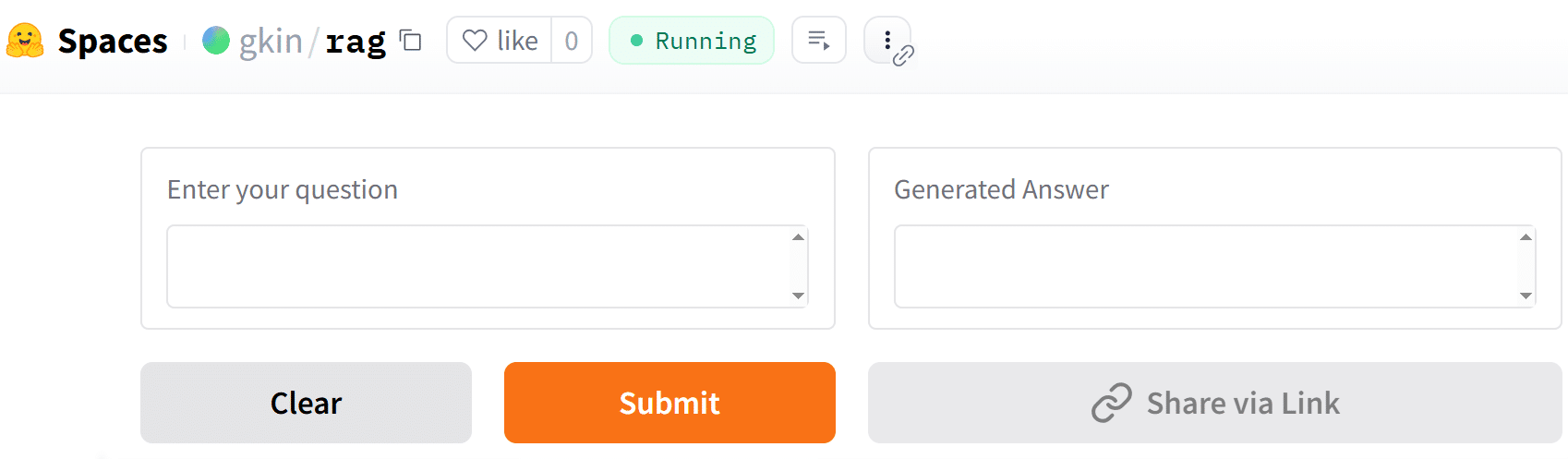
inputs=grgui.Textbox(label=”Enter your question”),

outputs=grgui.Textbox(label=”Generated Answer”),

title=”AI RAG Application”,

description=”As a Question, Response will be displayed from trained data”

)

giface.launch()
On Hugging Face Spaces, AI-based applications can be deployed for image generation, text generation, video generation, language translation, speech synthesis, object detection, 3D modelling, optical character recognition (OCR), etc.
Render
URL: https://render.com
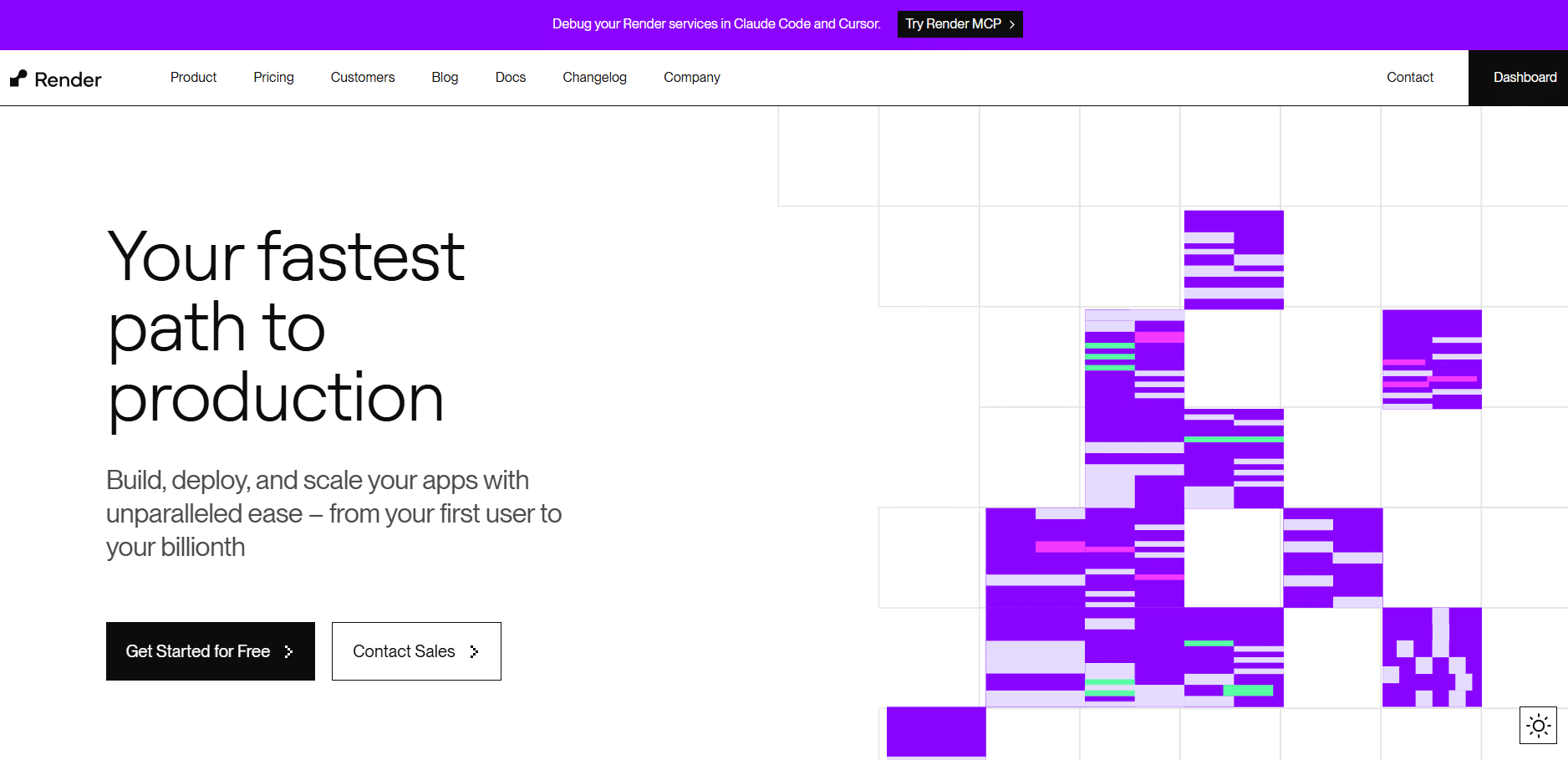
Render is another powerful and multi-featured cloud platform for deploying AI-based applications. It has the features to deploy web applications, static sites, Docker containers, and cron jobs required for Industry 4.0 applications. These applications can be uploaded on a GitHub account and then linked to Render for quick deployment.
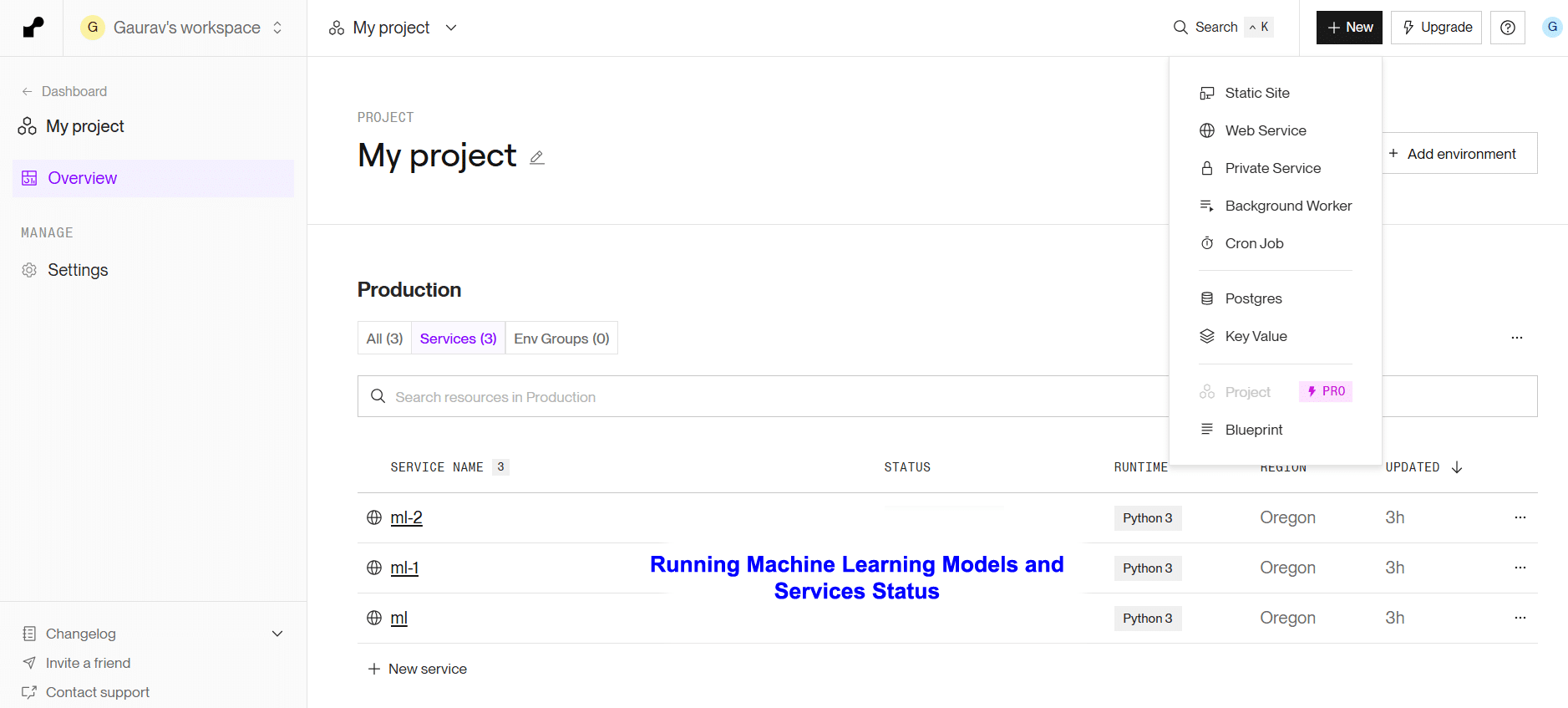
The platform provides load balanced autoscaling, DDoS protection, infrastructure as code as well as data privacy for industrial applications.
Researchers would do well to develop and deploy their machine learning and deep learning based applications on Hugging Face Spaces, Render or similar platforms so that the web-based interface to their project has better accessibility as well as security of the source code.