

























































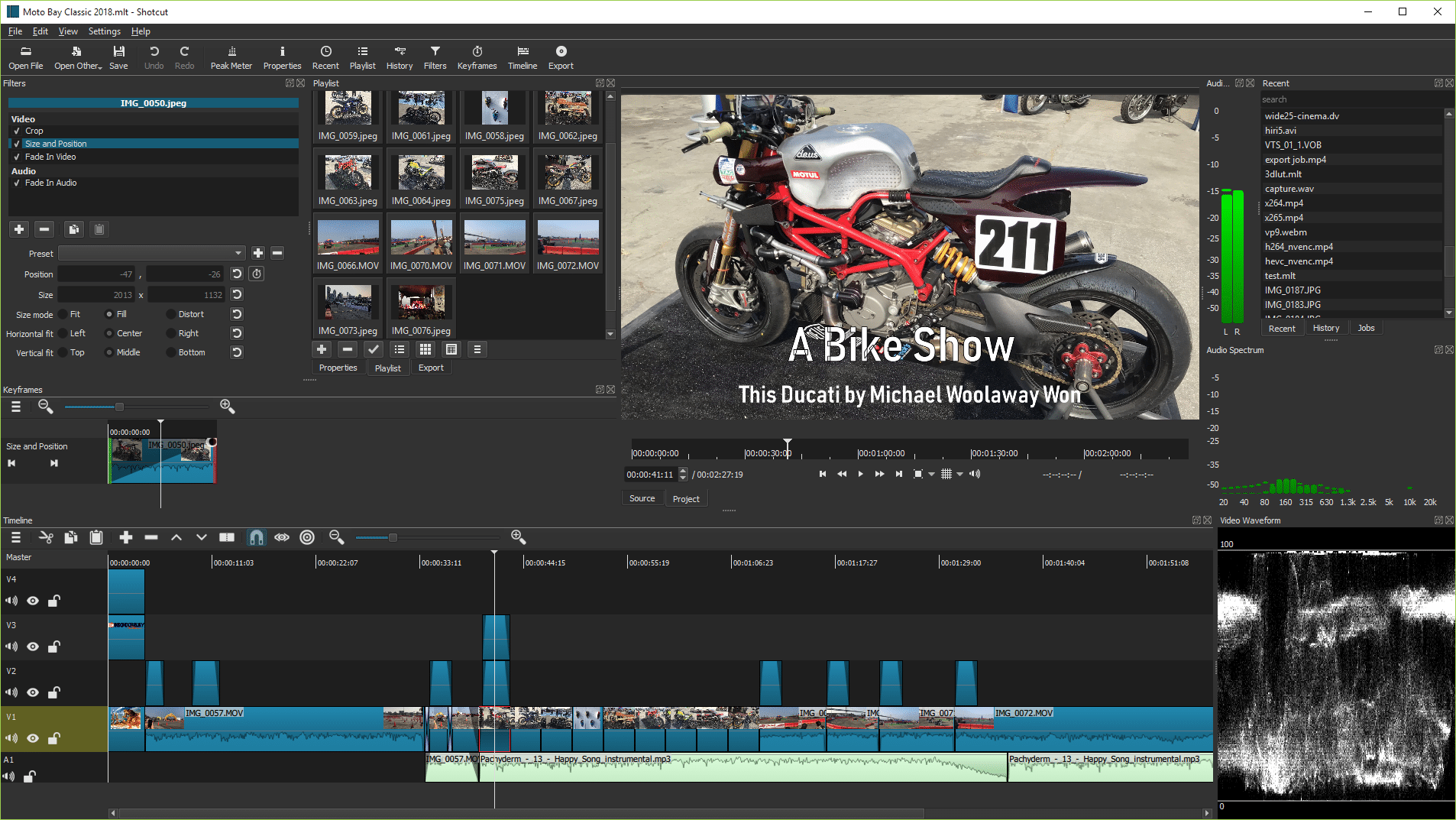

Open-source video editor Shotcut 26.6 has been released, upgrading to FFmpeg 8.1.2 while introducing comprehensive HDR preview and export pipelines alongside an experimental external plugin architecture.
Shotcut 26.6 (version 26.6.25) is a major feature update to the free, cross-platform, open-source video editing software, upgrading its core multimedia frameworks to FFmpeg 8.1.2 and MLT 7.40.0 for expanded format support and encoding stability.
Linux users gain a native Vulkan display method, building upon previous updates that deployed Vulkan GPU acceleration for AI background tasks. To improve resilience against unstable third-party plugins, a new Settings > Leave Safe Mode option automatically appears if the application crashes within 30 seconds of startup.
A core focus of this release is a major High Dynamic Range (HDR) overhaul. It introduces a dedicated fullscreen HDR video preview window (Player > External Monitor > Preview Window), though this specific preview window is currently non-functional on Linux. Additionally, a “Dynamic range” parameter has been added to custom Video Modes and Timeline Properties—supporting standard SDR, HLG HDR, and PQ HDR—alongside native 10-bit HDR export support and explicit HDR10 metadata configurations for DeckLink outputs and select codecs.
The update introduces experimental initial support for external plugin standards, offering a user interface for OpenFX image effects (such as NTSC-rs) and VST2/LV2 audio effects (such as Valhalla Supermassive). Advanced users can manage these add-on filters using a new --experimental command-line option or load custom interfaces directly from the application’s data directory.
Finally, Shotcut 26.6 includes an AI-driven Reduce Noise: Audio filter powered by the RNNoise library to eliminate background interference, a timeline configuration to toggle the “Create Transitions on Overlap” feature, and official support for .lot Lottie animation files.